



Sora 2 AI Video Generator
Powered by OpenAI's most advanced Sora 2 engine, transform any text or reference image into a breathtaking, high-fidelity video in seconds.
No camera, no crew, no limits.
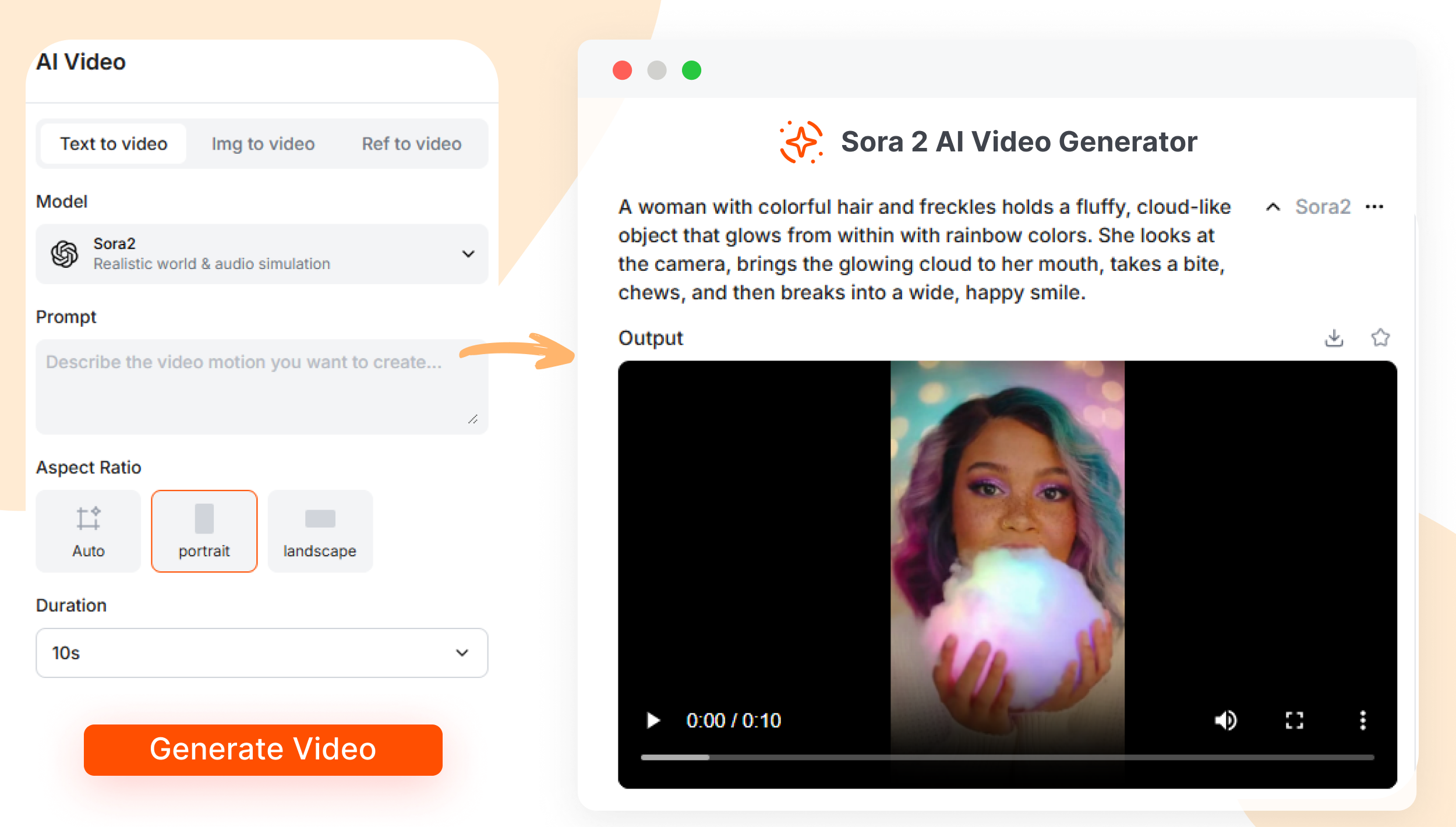
Sora 2: Transforming Ideas into Cinematic Masterpieces
Create Cinematic Video from Text with Sora 2 in 3 Simple Steps
1. Input Text & Image
Write or paste your text prompt in the script box to describe your video in detail. Upload an image as the reference frame to guide AI to generate.
2. Customize Your Style
Set the camera aspect ratio, such as portrait, landscape, or auto. Choose the perfect duration for your AI video.
3. Generate & Share
Click "Generate," and our Sora 2 engine creates a high-resolution video in seconds. Ready to download and share on TikTok, Instagram & YouTube.
Text to Video with Sora 2: Create Studio-Quality Videos Instantly
Create Lifelike, Cinematic Video
Create videos that look and feel completely real. Our world-class Sora 2 engine understands physics, lighting, and emotion to generate breathtakingly realistic scenes.
Produce high-fidelity video with rich textures and intricate details.
Achieve stunningly accurate motion, reflections, and natural lighting.
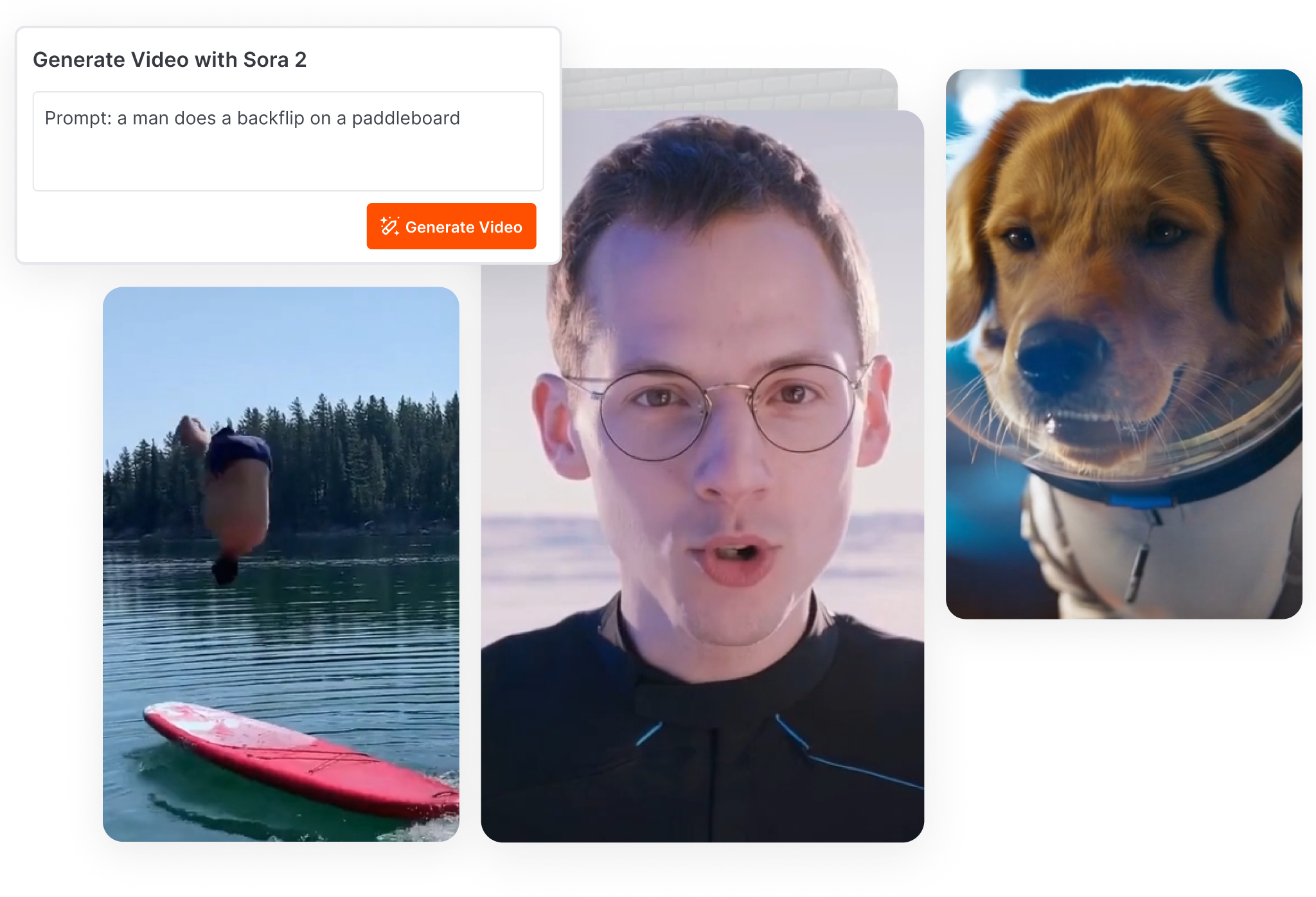
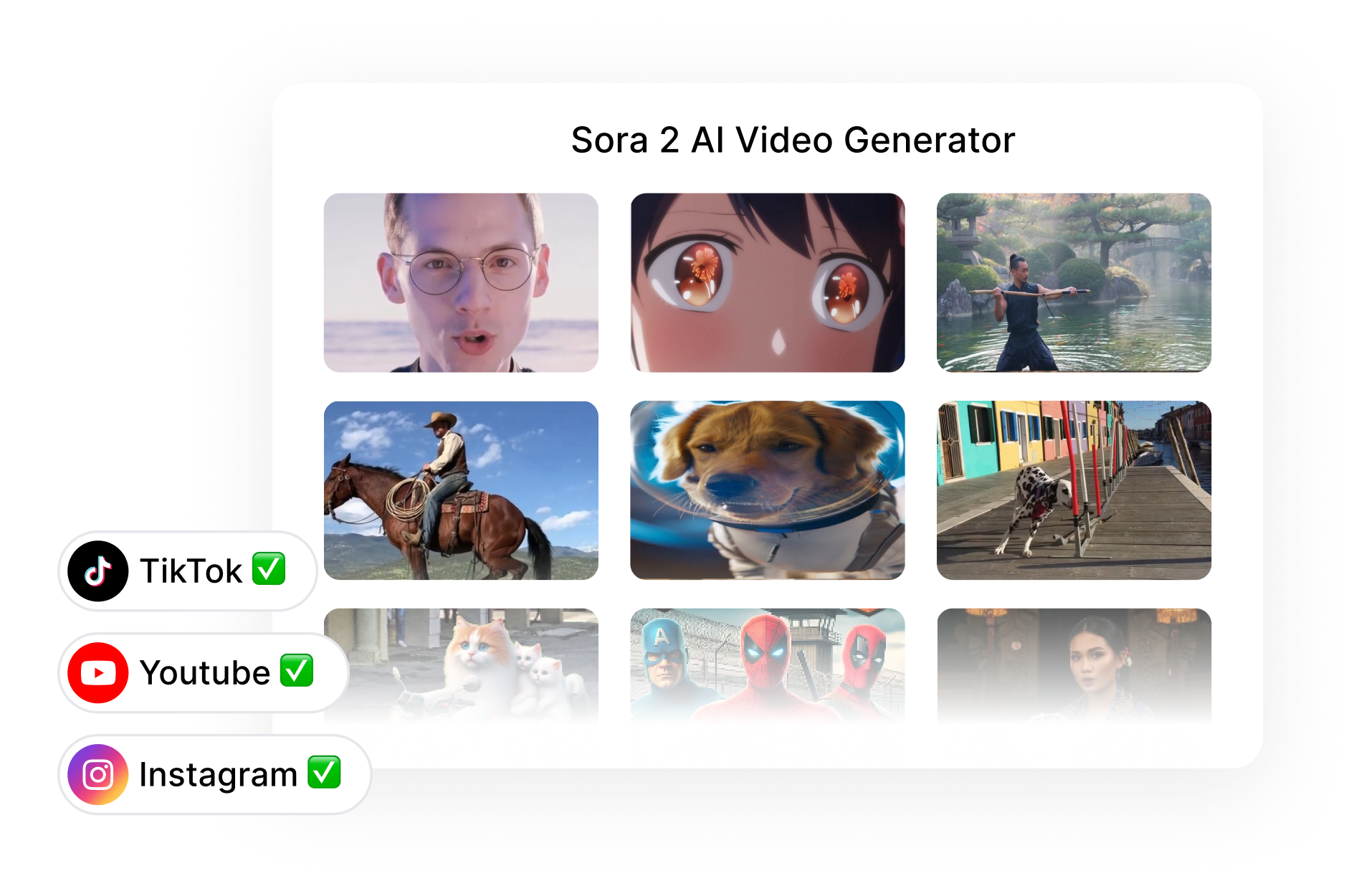
Maintain Perfect Consistency
From the first frame to the last, your characters and world remain consistent. Describe your scene with text, and our AI builds a believable, continuous narrative.
Keep your character's appearance the same throughout the entire video.
Establish a unique art style and atmosphere that never wavers.
Total Creative Control, Zero Hassle
Go beyond text and upload an image reference to perfectly guide the AI. Animate static images, match a specific style, and direct the camera — all with simple commands.
Animate any image instantly to create dynamic video ads or engaging content.
Use text to switch between hyper-realism, 3D animation, vintage film, and more.
Direct the camera like a filmmaker — create drone shots, close-ups, or shaky-cam effects just by typing.


Built for Viral Content
Produce endless high-quality footage for YouTube, TikTok, and Reels without a camera. Go from a simple idea to a viral-ready video in minutes.
Stop paying for stock video — generate the perfect clip for any script.
Create professional-grade content that captivates your audience and boosts your channel.
Speed up your workflow and publish more content, faster than ever.
Why Choose Short AI as the Best Sora 2 AI Video Generator
⚡️ Instant Access to the Sora 2 Engine
Unlock the full potential of OpenAI's revolutionary model. Short AI is more than just a tool; it's your complete production partner for creating stunning AI-generated video with the Sora 2 engine. We provide a seamless Sora 2 AI video generator online experience to get you started, bypassing waitlists and technical hurdles.
🎯 Guided Creation for Better Results
A blank text box is not the best way to learn how to use the Sora 2 AI video generator. Our structured workflows are perfect for creators who need content for marketing and social media, like TikTok and YouTube. We provide templates and guidance, turning your simple text prompts into polished videos.
🚀 A Complete Suite, Not Just a Generator
Raw clips are only half the story. Short AI is a complete AI video creator. Use our Sora 2 AI video generator and learn how you can add voiceovers, music, and captions to create short films with Sora 2 AI. This all-in-one toolkit is what truly elevates your AI video from a demo to a masterpiece.
FAQs
1. What is Sora 2 AI Image Generator?
It is an advanced AI video creator that uses OpenAI's powerful Sora 2 model. Our platform serves as a smart and intuitive interface, enabling you to transform simple text prompts into stunning, high-quality videos. Think of it as a cinematic AI video generator designed for everyone.
2. How do I create an AI video with Short AI?
3. Can beginners create professional-looking AI videos?
4. What are the key features of this Sora 2 AI Video Generator?
5. Can I create AI video from a exsisting photo?
6. How can I use this tool for my YouTube or social media channels?